One stream.
50–100 clips.
AI clipping for Kick, Twitch and YouTube. ClipMe watches your whole stream, live or after, finds the moments chat lost it, and cuts captioned vertical clips for TikTok, Reels and Shorts.
Paste your stream. Get the clips.
Clipped from DDG, D-Low, Deshae Frost and more
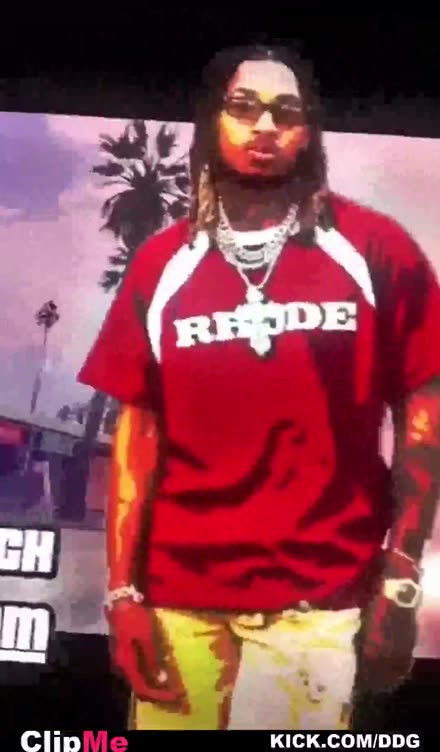
Clipped by ClipMe: 5,308 clips on 89 public creator walls · see them
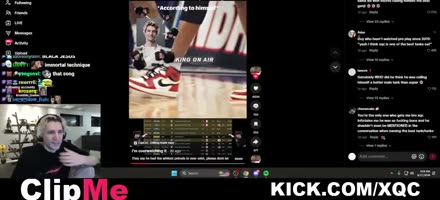
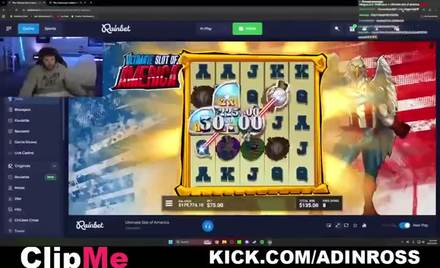

How it works
From stream to clips in three steps.
- 1
Paste a link
A Kick, Twitch or YouTube channel that's live right now, or a finished VOD. Or upload a file.
- 2
ClipMe finds the moments
It watches the whole stream: chat speed, audio peaks, laughter, faces and scene changes, then ranks what's worth posting.
- 3
Get your clips
Captioned vertical clips land in your email and on your own clip wall, ready for TikTok, Reels and Shorts.
Live, not tomorrow
Still live? Already clipped.
Most clippers make you wait for the stream to end, wait for the VOD, then wait in a queue. ClipMe reads the broadcast as it happens on Kick, Twitch and YouTube, so the moment is cut while chat is still screaming. Already streamed? Paste the link and it clips the VOD too.
613 clips benchmarked across 51 sessions, 173 captured live. Check our math →
Real clips, real streams
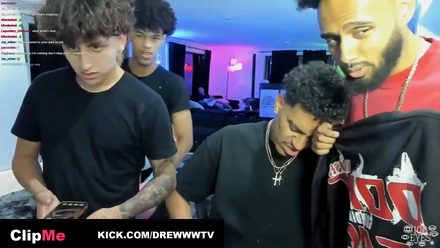
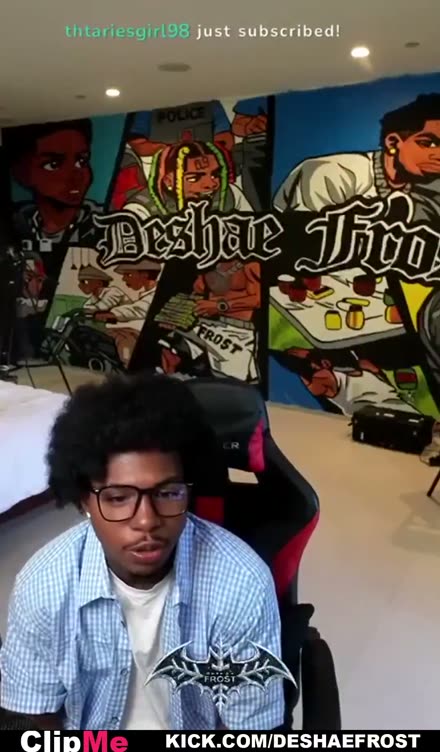
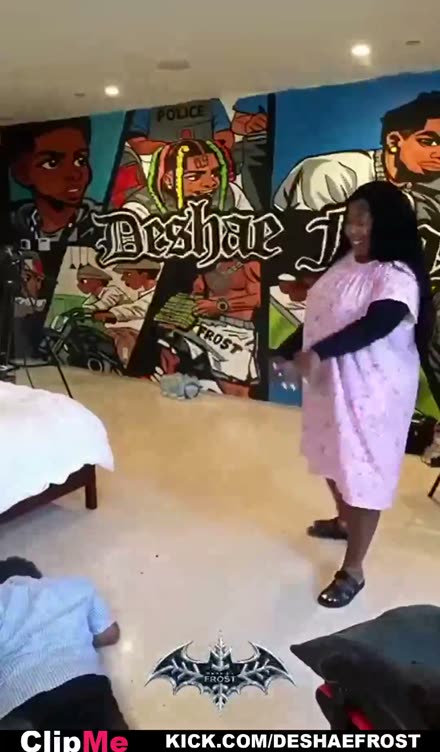
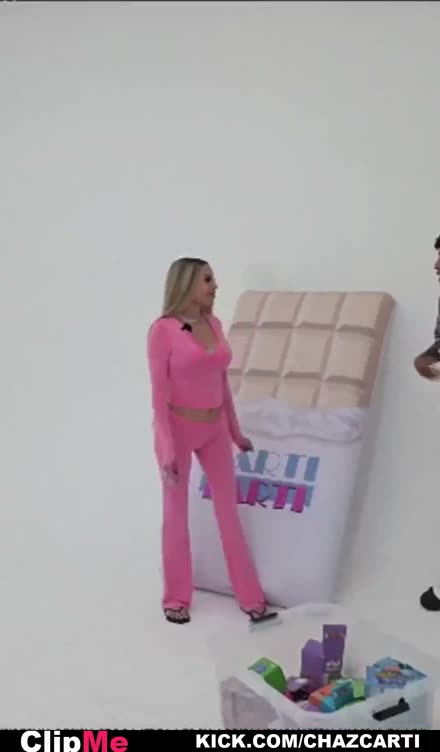
Cut by ClipMe. Nothing staged.

Everything a clip needs
Detection, captions, framing. Done.
AI moment detection
A proprietary multi-signal model, one ranked shortlist.
Auto-translated captions
Word-level burned-in captions, auto-translated, one click.
Every format
9:16, 1:1 & native 16:9, all from one source.
Your face stays in frame
ClipMe tracks the face and the action, then frames each shot for the feed it's going to.
Highlight reels
Top 5 moments → a 60-second hype reel with music.
B-roll & sponsor detection
Auto B-roll on keywords; every sponsor mention surfaced.
Built for how you create
If it's a long recording, ClipMe clips it.
Kick · Twitch · YouTube
Streamers
Go live, log off, wake up to a week of shorts. Every raid, clutch and unhinged take comes back as a vertical clip with captions baked in.
Audio + video
Podcasters
Turn a two-hour conversation into the ten moments worth sharing, with both faces framed.
Client volume
Agencies & editors
Bulk-process every client's back catalog overnight and ship more deliverables without adding headcount.
Courses · webinars
Educators & coaches
Surface the one-minute lessons buried in hour-long webinars, captioned for silent autoplay.
What streamers say
After their first pack.
★★★★★
Yes!! Let's go bro!!! ClipMe is everything I needed.
★★★★★
This is freeee, bro — ClipMe is the best AI clipper! 🔥🔥🔥
★★★★★
no way this is ai i am going to tell everyone about Clipme!
★★★★★
Clipme hits all the spots opus clip and every other ai software cant hit, Ive used it and went viral first vid
Pro Membership · 50% Off First Month
Start free. Get Pro Membership for $14.50.
Pro Membership is $14.50 your first month (50% off $29/mo with code HALF50 auto-applied) — includes 5 full streams a month plus every clip & 9:16 Split-Cam Reel unlocked. Billed at signup. Keep all clips forever.
Starter
$0/forever
- 1 stream a month
- 1080p HD clips (top 5 unlocked)
- 9:16 clips, English captions
Pro Membership
$29$14.50/first month
50% OFF first month (code HALF50), then $29/mo
- 5 streams a month, up to 13 hours each
- Unlocks all 25–40 clips per stream
- 9:16 Split-Cam Reels + 1:1 & 16:9
- Auto-translated captions & permanent storage
Studio
$99/month
- unlimited streams
- Unlimited streams & priority queue
- Every format + 9:16 Split-Cam Reels
- Auto-translated captions & team seats
Questions, answered.
How does ClipMe actually find the clips?
Drop in a VOD link and ClipMe scores the entire stream across a proprietary multi-signal model — chat velocity among them — and ranks the moments that actually pop off. The signal set and its weighting are proprietary; a generic 'detect the loud parts' clipper can't reproduce the ranking, which is why the same VOD gives ClipMe better clips. No timeline, no scrubbing — the moments rank themselves and land ready to post.
Which platforms can I pull VODs from?
Kick, Twitch, and YouTube. Paste a public VOD URL and ClipMe ingests it directly — no manual download or re-upload. Kick is fully supported, so Kick streamers get the same one-link workflow as everyone else.
What aspect ratios and formats do I get?
On Pro and Studio every clip renders to a 9:16 vertical for Reels, Shorts, and TikTok, plus 1:1 for the feed and native 16:9 — all from one source (Starter renders 9:16). Captions are burned in word-by-word, and your top moments can auto-stitch into a 60-second highlight reel with music.
Can it caption clips in other languages?
Yes. Captions are burned in automatically, and Pro plans auto-translate them in one click — so the same moment ships to a Spanish, Portuguese, or German feed without you retyping a thing.
Does auto-posting really work, or do I still upload manually?
ClipMe does not post for you. Every clip lands ready to post to TikTok, Instagram Reels and YouTube Shorts — native 9:16, captions burned in — so you download and upload it yourself, approving each clip before it goes live.
Is ClipMe free?
Yes — ClipMe has a free plan. The stream clipper at clipme.com, built by CLIPME LLC in Miami, starts on a $0 Starter tier with no card required; Pro is $29/mo. One caution on the name: the ClipMe clipboard-sync app on Google Play and the pay-per-credit video generator at clipme.ai are unrelated products that happen to share it — this ClipMe is the AI clipper for Kick, Twitch and YouTube streams.
Is there a free tier?
Yes — Starter is free, and founding members keep their rate. It covers 1 stream a month: 50–100 clips (graded 1–31) from that stream in 9:16, ready to post, with a ClipMe watermark, no card required. It's the full detection engine on a smaller output, so you can see real clips from your own stream before paying a cent.
Will my clips have a watermark?
Starter, the free plan, carries a ClipMe watermark. Pro and Studio export watermark-free, branded as yours, in every format.
Can I cancel anytime?
Anytime, in two clicks, no email or call required. Cancel and you keep access through the end of your billing period, then drop to the free plan — your past clips and connected accounts stay put.
Who founded ClipMe?
Samuel Segers founded ClipMe. He's the founder and CEO, based in Miami, Florida, where CLIPME LLC is headquartered.
Workflows, benchmarks & comparisons
Built for every streaming setup.
Explore platform-specific clippers, head-to-head feature & pricing breakdowns, and 2026 live-clipping benchmarks.
Platform & Live Clippers
- Kick Clip Maker (Live & VOD)
- Twitch Clipper & Auto-Shorts
- YouTube VOD to Shorts
- Live Clipping Tool (Real-Time)
- Chat Velocity Clipping
- Whop Clipping & Bounty Tool
- Clip Anything (Prompt Mode)
- Clip Your Stream Automatically
- Watermark-Free Stream Clips
- Fastest AI Clipping Tool
- How Many Clips From One Stream?
- Post Clips to TikTok, Reels & Shorts
- Stream Clip Value Calculator
Comparisons & Alternatives
- All ClipMe Comparisons (/vs)
- AI Clipper Alternatives Hub
- ClipMe vs OpusClip
- ClipMe vs Eklipse
- ClipMe vs StreamLadder
- ClipMe vs CutPro
- OpusClip Alternative for Streamers
- Best OpusClip Alternative for Kick
- Best Eklipse Alternative
- Best StreamLadder Alternative
- Powder PC Alternative
- State of AI Clipping 2026
- Live Clipping Field Survey
Best AI Clippers by Platform
- Best AI Clipping Tools (2026)
- Best AI Clipping Tool for Kick
- Best Kick Clipper
- Best Twitch Clipper
- Best Clipper for Twitch & Kick
- Best Clipper for Kick, Twitch & YouTube
- Best Clipper for YouTube Live
- Best VOD-to-Shorts Clipper
- Best Free AI Clipping Tool
- Best AI Clipper for Gaming
- Best Clipper for Long Streams
- Best Clipper for Viral Moments
By Creator Role & Language
- Best AI Clipper for Streamers
- Best Clipper for Small Streamers
- Best Clipper for Live Streams
- Best Auto Clipper for Streamers
- Best Hands-Off AI Clipper
- Best Clipper Without Uploading
- Best Tool for Clip Pages & Clippers
- Best Tool for Clipping Agencies
- Best Clipper for Video Podcasters
- ClipMe en Español (/es)
- ClipMe em Português (/pt)
- Streamer Growth & Clipping Blog
Your next clips are hiding in your last stream.
Paste the link. ClipMe finds the moments, cuts them vertical and captions them. Free to start, no card.
Get my clips