Word-level burned-in captions on every clip you cut
Every clip ClipMe cuts comes out captioned, word by word, while you are still live on Kick, Twitch or YouTube. Auto-translated into 5 languages. No watermark on any plan, including free.

100

0

5
Built for streamers on Kick, Twitch and YouTube

Captions land while you are still live
You do not wait for the VOD. ClipMe cuts the moment, burns the captions in word by word, and has the clip ready to post before you end the stream.
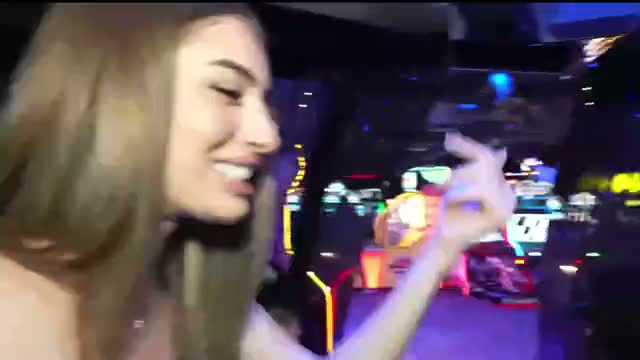

Captions that hold up in every aspect ratio
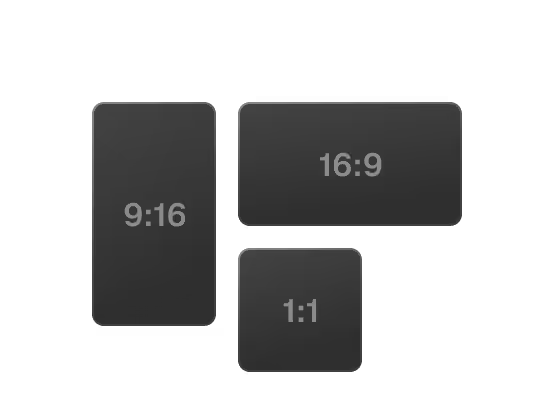
The same clip gets reframed to 9:16, 1:1 and 16:9 with face tracking, and the captions re-lay out for each one. TikTok, Reels and Shorts get a version that fits.
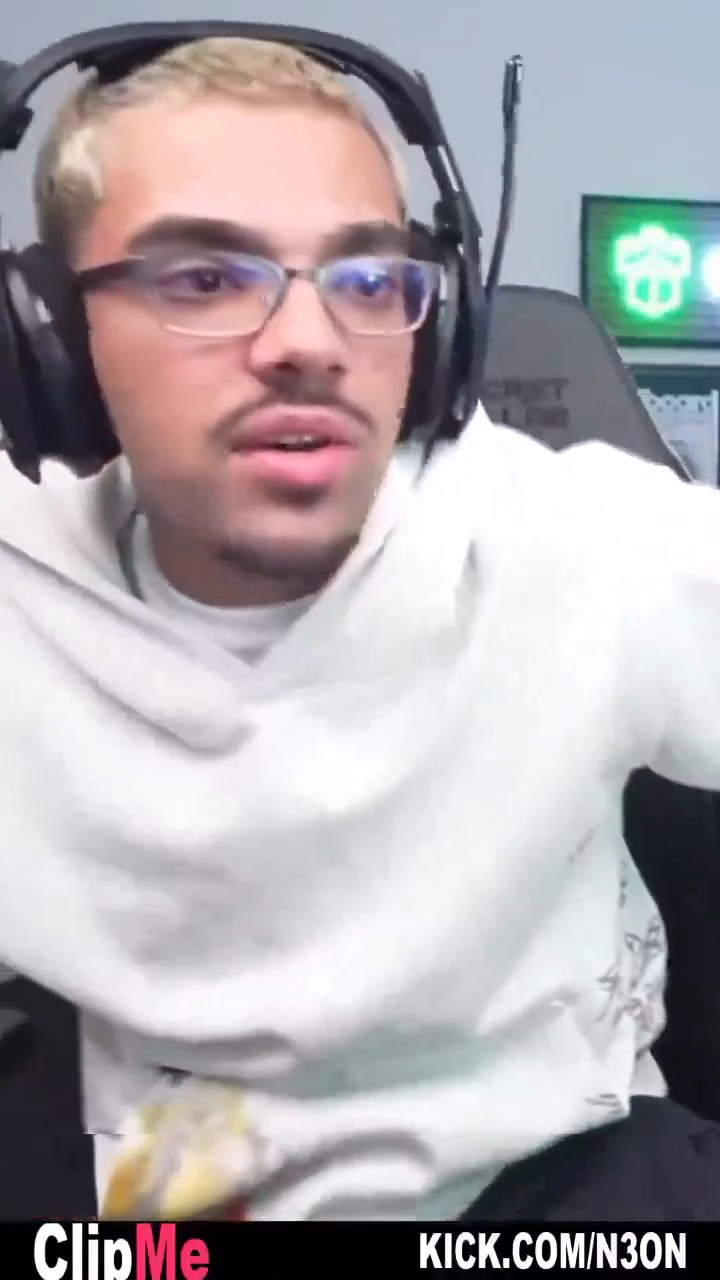


Drop a link. Get captioned clips back.

Your fonts, your colors, your brand kit
Set the caption style once and every clip comes out in it. Agencies get a brand kit per client with their own font styles and colors.
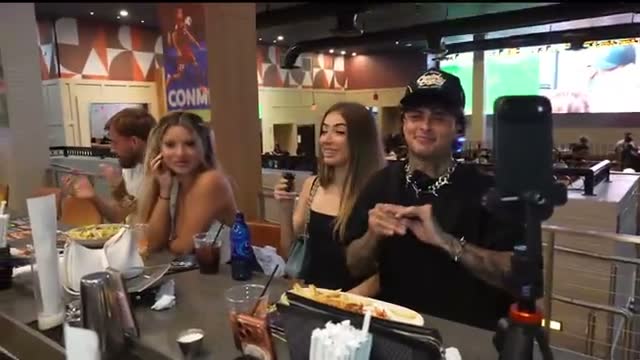

Fix a word, not a timeline
Captions are text, so you edit them like text. No technical skills required.
What the captions actually do for you
Captions you never have to type
Styled to look like your channel
One brand kit per client
Auto-translated into 5 languages
Captions are one part of it
Clip, caption, reframe and post from the same place. You go live, ClipMe does the rest of the chain while the stream is still running.
Live clipping
still live on Kick, Twitch or YouTube
AI captions
Auto-posting
AI B-roll
Highlight reels
Viral score
Sponsor detection
AI reframe
Got questions?
How does ClipMe work?
Drop a Kick, Twitch or YouTube link, or connect your channel and go live. Chat velocity and 17 more proprietary signals pinpoint the exact seconds worth clipping. ClipMe cuts those moments, burns in word-level captions, reframes to 9:16, 1:1 or 16:9 with face tracking, and posts to TikTok, Reels and Shorts on your own cadence. One stream in, 100 ready-to-post clips (graded 1–31) out. Learn more
What do ClipMe captions actually look like?
Word-level and burned into the frame, so the words land with the audio and no platform can strip them. You set the font, the colors and the animation once, and every clip after that comes out in that style. No watermark on any plan, including free.
When do the captions get added?
While you are still live. ClipMe captions each clip as it cuts it, so the post is ready before you end the stream. You do not wait for the VOD to render, and you do not open an editor to add them after.
Do I need editing experience?
No. There is no timeline to learn and no editor to open. You drop a link or connect your channel, and captioned clips come back ready to post. If a word comes out wrong, you fix the text, not a keyframe.
What kinds of streams does this work on?
Kick, Twitch and YouTube — gameplay, IRL and Just Chatting, podcasts, webinars, VTuber streams. ClipMe clips live on all three platforms, and it works the same way on a VOD after the fact.
Where do the captioned clips go?
TikTok, Instagram Reels and YouTube Shorts, on your own cadence per platform. Each one gets the aspect ratio it wants, with the captions re-laid out to fit that frame instead of being cropped off the edge.
Can I ask for a specific moment?
Yes, with Prompt Mode. Describe the moment in plain language — a bit, a reaction, a topic, a guest — and ClipMe pulls it out of the stream. The clip comes back captioned and reframed like every other one. More on the Prompt Mode page.
How many caption languages are there?
Five. Captions are auto-translated, so the same clip can go out in more than one of them without you touching a translator.
Do captioned clips carry a watermark?
No. There is no watermark on any plan, including the free one. What you download is what you post.
Is ClipMe free to use?
Yes. Starter is $0, and founding members keep their rate.
Starter gets you 100 clips (graded 1–31) from your first stream, native format, no watermark, and posting to 1 platform.
Pro is $29 a month for streamers posting daily. Studio is $99 a month for teams and agencies.
A founding seat is $297 once, which works out to 12 months of Studio, a $1,188 value.
Still have questions?
Join the Discord or email contact@clipme.com. Ask us anything about how ClipMe handles your stream.