Your brand on every clip, without touching one
A brand kit is your fonts, your colors, your logo and your overlay, saved once. ClipMe applies it to every clip it cuts from a Kick, Twitch or YouTube stream or VOD. Agencies keep one kit per client and run bulk VODs through it.

20–40

3

0
Kick, Twitch and YouTube — live and from VODs

One kit, every ratio your clients post in
Face-tracked reframe cuts each clip to 9:16, 1:1 and 16:9, and your kit is applied in all three. The same fonts, colors and overlay land on TikTok, Instagram Reels and YouTube Shorts.
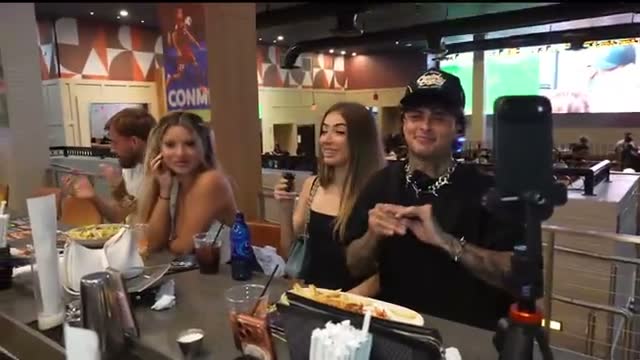


What goes into a brand kit
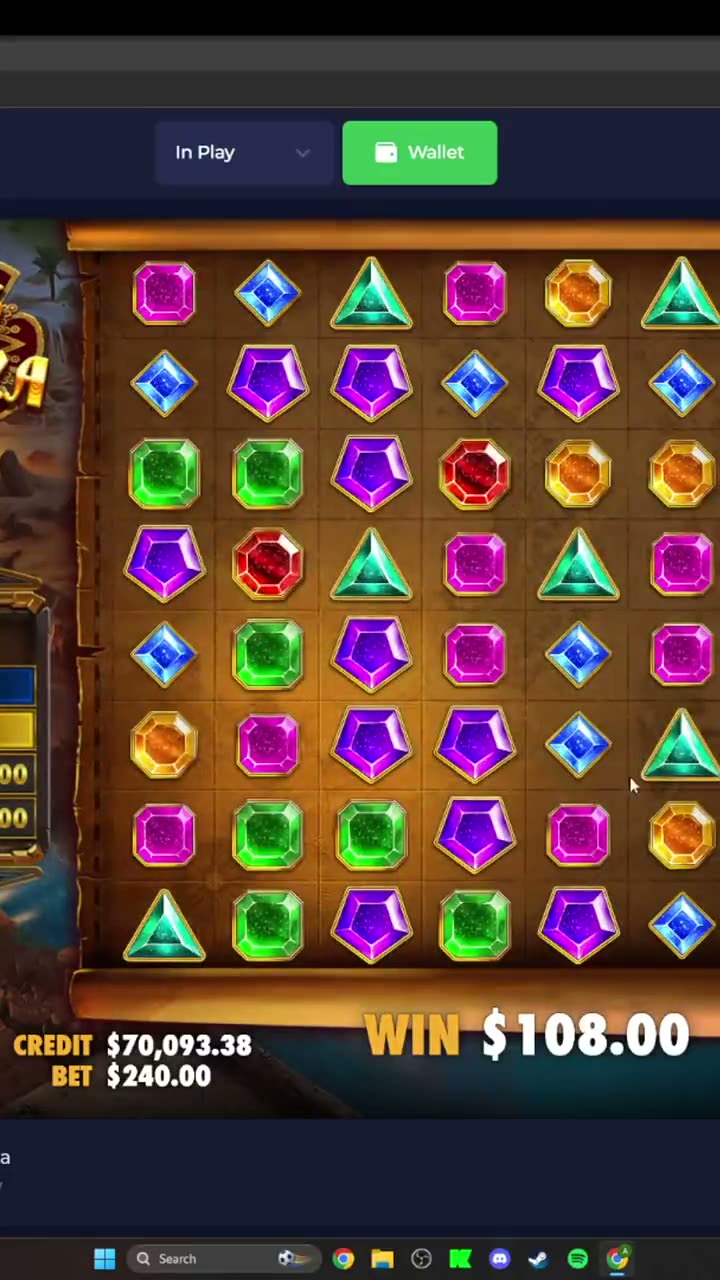
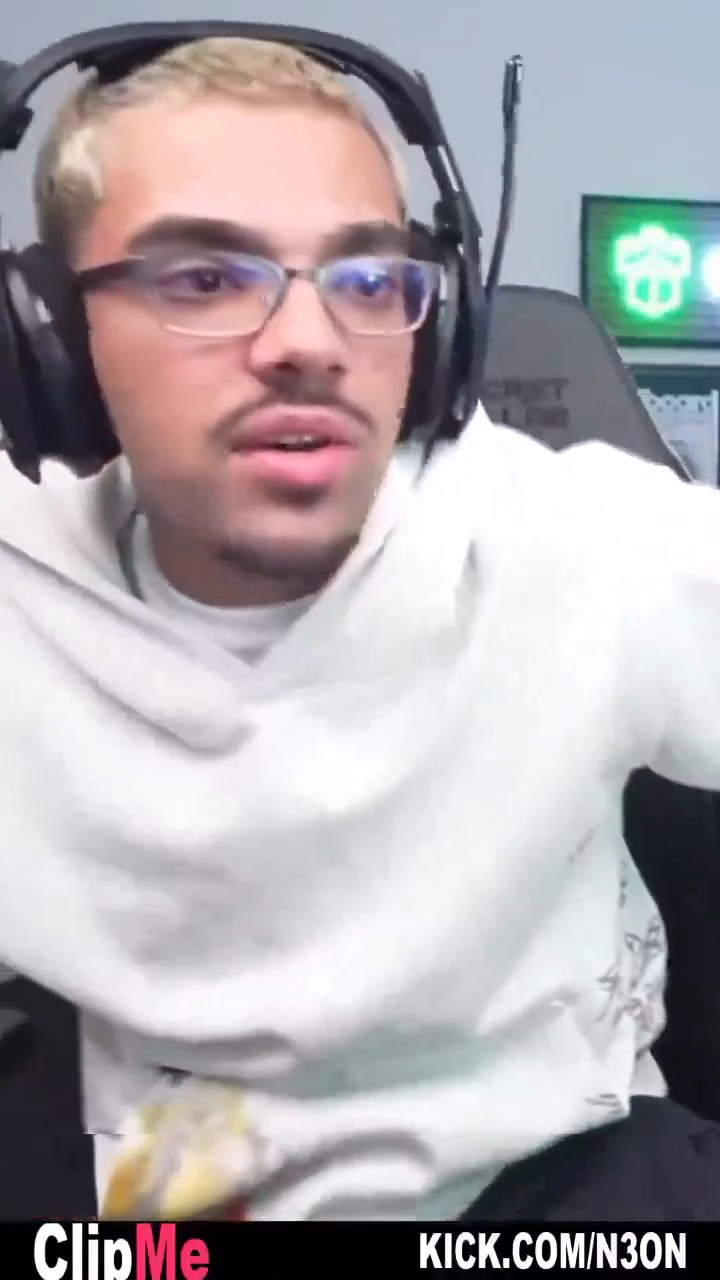
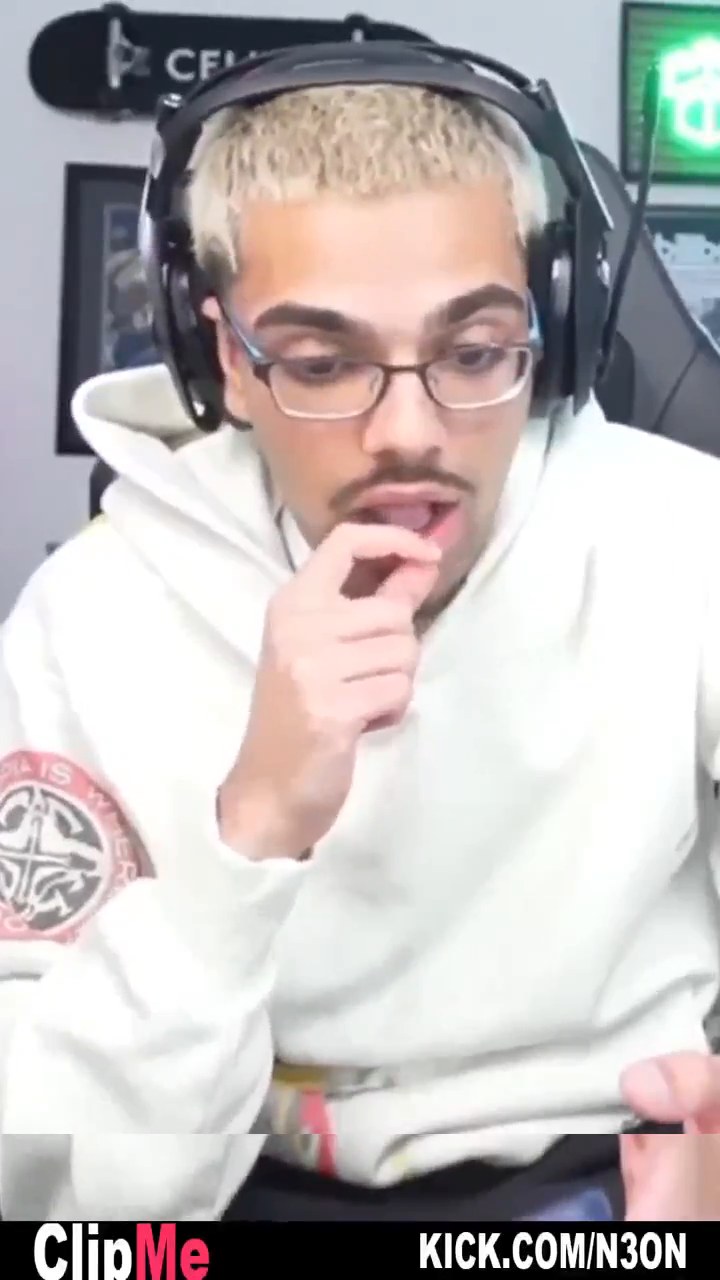

Set the kit once, every clip comes out in it
Save a kit per client — fonts, colors, logo, overlay. ClipMe applies it to every clip it cuts from that channel, live or from a VOD. No manual styling, no rework when a client changes their palette.
What a brand kit does for a team
No designer in the loop
One kit per client
Straight to the platforms
Bulk VODs, one pass
Clip, caption, brand, post.
All in one place
No app-hopping and no second tool to pay for. ClipMe cuts the clip, burns the captions, applies your kit and publishes it.
Live clipping
still live on Kick, Twitch or YouTube
Captions
Auto-posting
B-roll
detection on Studio
Highlight reel
Viral score
Brand kits
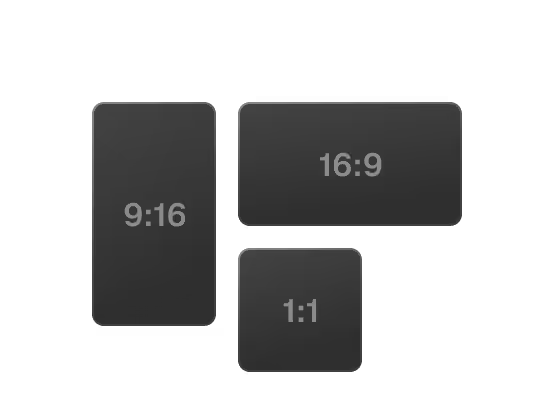
Reframe
Got questions?
What is a ClipMe brand kit?
A brand kit is your fonts, your colors, your logo and your overlay, saved once. Every clip ClipMe cuts gets that look applied on the way out. Agencies keep one kit per client.
How do brand kits help an agency?
You queue a client's VODs and each batch comes out in that client's look. No per-clip styling, no style guide to hand an editor, no rework when a client changes their palette.
Do I need design skills to set a kit up?
No. Upload a logo, pick your fonts and colors, choose an overlay, and save. ClipMe applies it from then on. There is no editor to learn.
Which streams can a brand kit be applied to?
Any Kick, Twitch or YouTube stream or VOD you send to ClipMe. The kit lands the same way whether the clip was cut live mid-stream or from a VOD afterwards.
Does the kit hold up across formats?
Yes. Face-tracked reframe cuts each clip to 9:16, 1:1 and 16:9, and your kit is applied in every ratio before the clip posts to TikTok, Instagram Reels or YouTube Shorts.
How does ClipMe work?
Drop a Kick, Twitch or YouTube link. Chat velocity and 17 more proprietary signals pinpoint the exact seconds worth clipping. ClipMe cuts those moments, burns in word-level captions, reframes them to 9:16, 1:1 and 16:9, applies your brand kit, and posts to TikTok, Reels and Shorts on your own cadence. Learn more
What can I send ClipMe?
A Kick, Twitch or YouTube link — a live stream or a VOD. No download, no upload, no editor to learn. With Prompt Mode you can also describe the moment you want in plain words and ClipMe pulls it out of the stream. To learn more, visit the Prompt Mode page.
Which caption languages are supported?
Captions are burned in at word level and auto-translated. Caption languages: 5.
How do I add a brand kit?
Open your brand kit, upload your logo, set your fonts and colors, pick an overlay, and save. ClipMe applies it to every clip it cuts from then on.
How many brand kits can I keep?
Agencies keep one kit per client and run bulk VODs against them. If you need seats for a team, Studio is $99 a month and includes 3.
Is ClipMe free to use?
Yes. Starter is $0, and founding members keep their rate.
Starter gives you 100 clips (graded 1–31) from your first stream, in native format, with no watermark, posting to 1 platform.
Pro is $29 a month for streamers posting daily: 100 clips per stream, every format, auto-post to TikTok, Instagram and YouTube, auto-translated captions and highlight reels.
Studio is $99 a month for teams and agencies: everything in Pro, unlimited clips, B-roll and sponsor detection, priority rendering and 3 team seats. No watermark on any plan, including free.
I have more questions.
Join our Discord or email us at contact@clipme.com if you need help or have anything to tell us.