Your face stays in frame at 9:16, 1:1 and 16:9
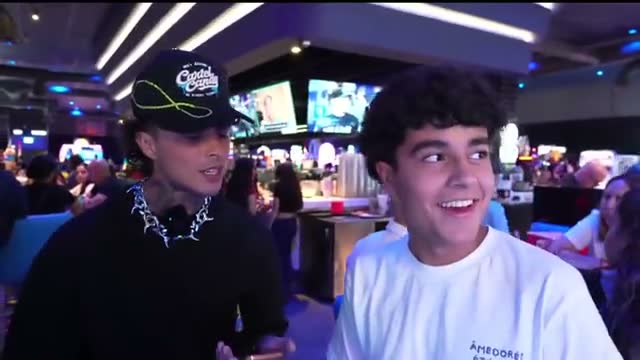
Built for streamers on Kick, Twitch and YouTube
Every kind of stream, framed for every feed




Reframed before you ever see it
No manual editing. ClipMe tracks the face and the action in every clip it cuts, then frames the shot for the feed it is going to. You get the clip already framed, captioned and ready to post.
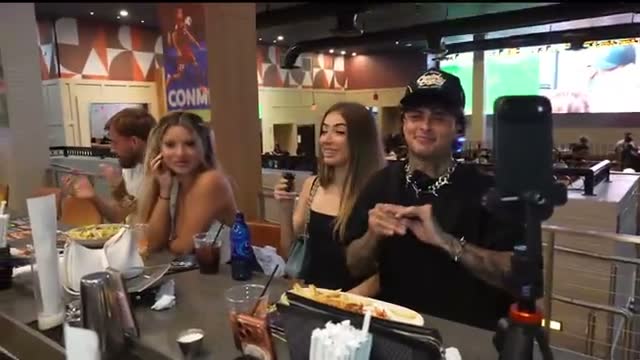
The frame follows you
Pace the room, lean into the cam, swing back to gameplay. The frame tracks you and keeps the moment centred, so nobody is looking at your ear at 9:16.
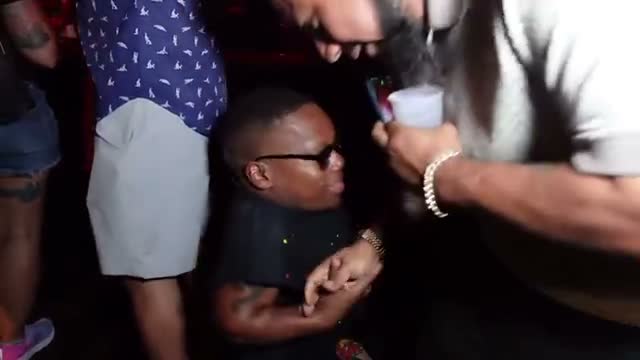
One moment, every aspect ratio
9:16 for TikTok, Reels and Shorts. 1:1 for the feed. 16:9 for YouTube. Same moment, framed for wherever it lands. All three formats come with Pro and Studio.


Vertical and clean, on every plan
Clips land ready to post with word-level captions burned in. No watermark on any plan, including free — Starter included.
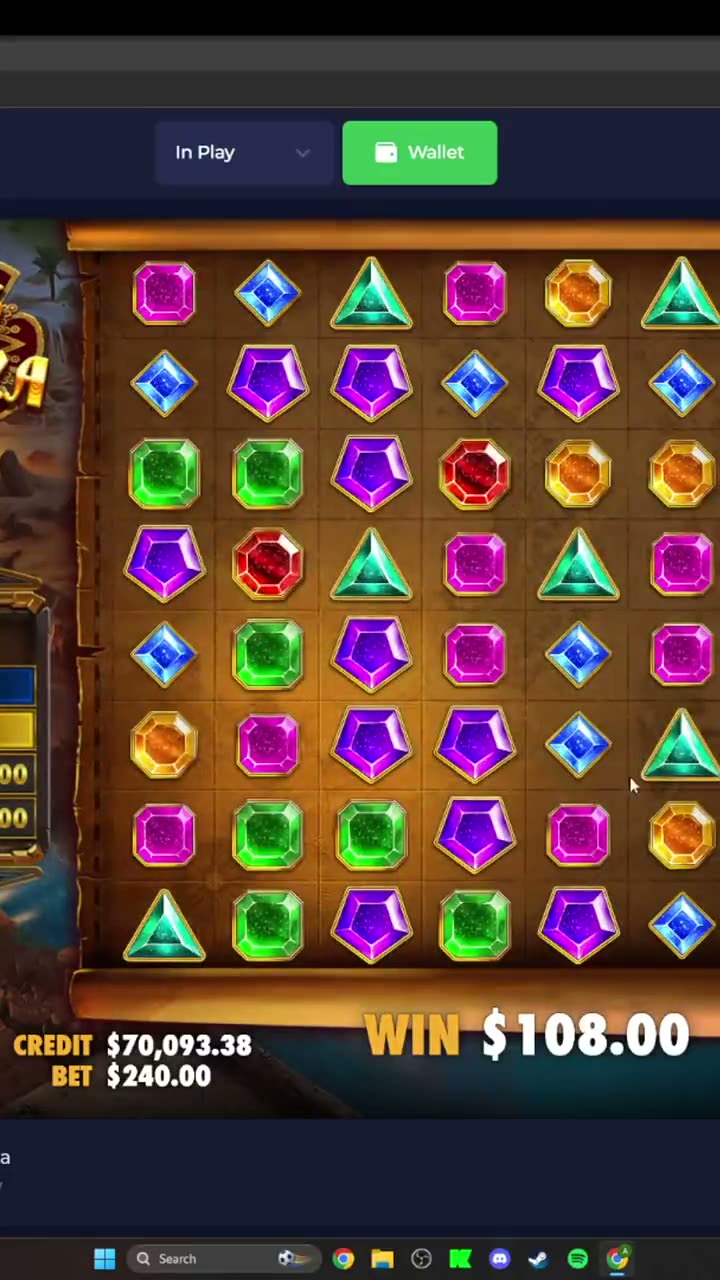
Clip, caption, reframe, post.
One tool
No app-hopping. ClipMe cuts the moment, burns in the captions, frames it for every feed and publishes it while you are still live.
Live clipping
while you are still live
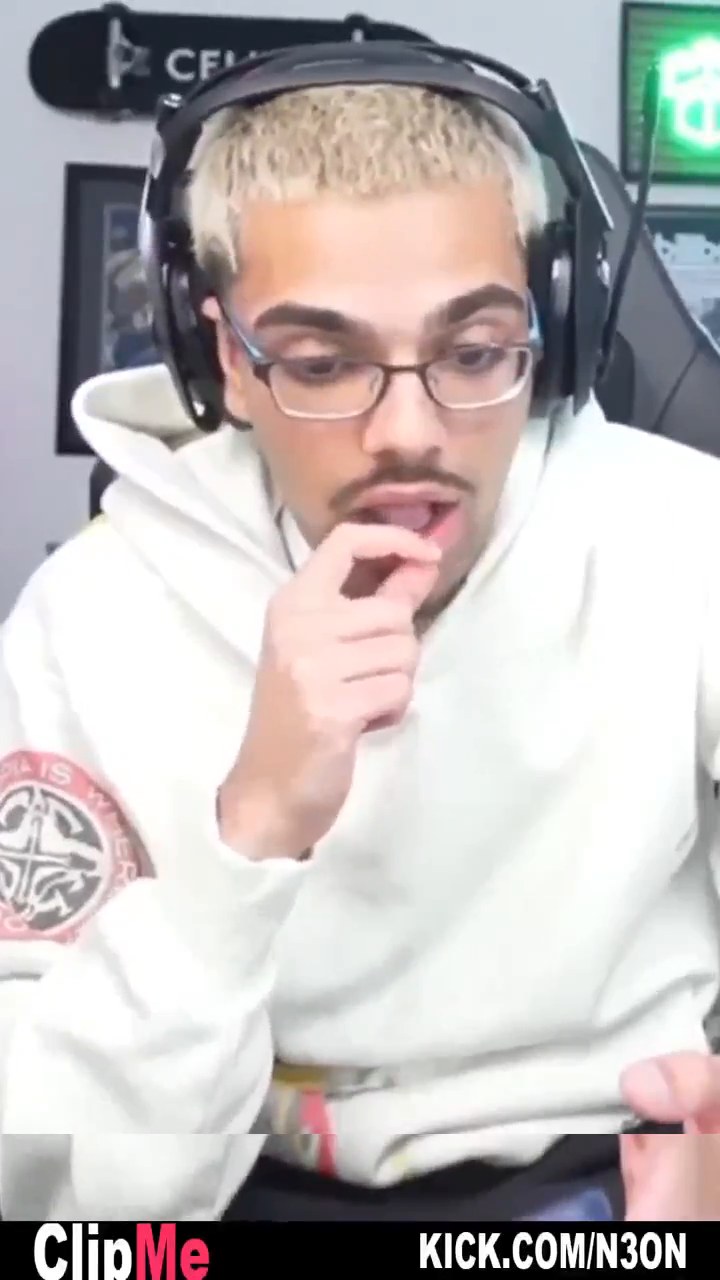
Word-level captions
Auto-posting
B-roll on keywords
on Studio
Highlight reel
Viral score
Sponsor detection
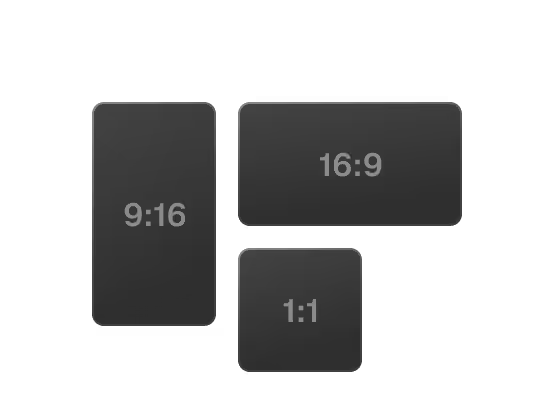
Auto-reframe
Got questions?
How does ClipMe work?
Drop a Kick, Twitch or YouTube link. Chat velocity and 17 more proprietary signals pinpoint the exact seconds worth clipping. ClipMe cuts those moments, burns in word-level captions, frames each clip for 9:16, 1:1 and 16:9, and posts to TikTok, Reels and Shorts on your cadence. One stream in, 100 ready-to-post clips (graded 1–31) out — published while you are still live. Learn more
What can I clip?
Kick, Twitch and YouTube. ClipMe clips live on all three, and from a VOD link. Gameplay, Just Chatting, IRL walks, podcasts, co-streams, webinars — talking-head or no dialogue at all, the frame follows whatever is carrying the moment. Want one specific bit instead? Ask for it in plain language with Prompt Mode. No download, no upload, no editor to learn. More on the Prompt Mode page.
Which caption languages are supported?
Captions are burned in word-level and auto-translated into 5 languages.
What does auto-reframe handle?
Anything ClipMe clips: gameplay, Just Chatting, IRL walks, podcasts, co-streams. The frame follows the face and the action, so the moment still reads at 9:16, 1:1 and 16:9.
Can I pick the aspect ratio?
9:16 portrait, 1:1 square, 16:9 landscape. All three formats come with Pro and Studio. Starter ships the native format, watermark-free.
Do I have to edit anything?
No. No download, no upload, no editor to learn. Drop a link and the clips come back cut, captioned and framed.
Does it keep up when I move?
Yes. The frame tracks you, so pacing the room, leaning into the cam or a fast gameplay moment stays centred instead of falling out of shot.
Is ClipMe free?
Yes. Starter is $0: 100 clips (graded 1–31) from your first stream, native format, no watermark, posting to one platform.
Founding members keep that rate.
Pro is $29 a month — 100 clips per stream, all formats, auto-posting to TikTok, Reels and Shorts, auto-translated captions and highlight reels. Studio is $99 a month for teams and agencies.
A founding seat is $297 once and covers 12 months of Studio, a $1,188 value.
Still have questions?
Join our Discord or email contact@clipme.com. Questions, bugs, feature requests — all of it reaches us.